
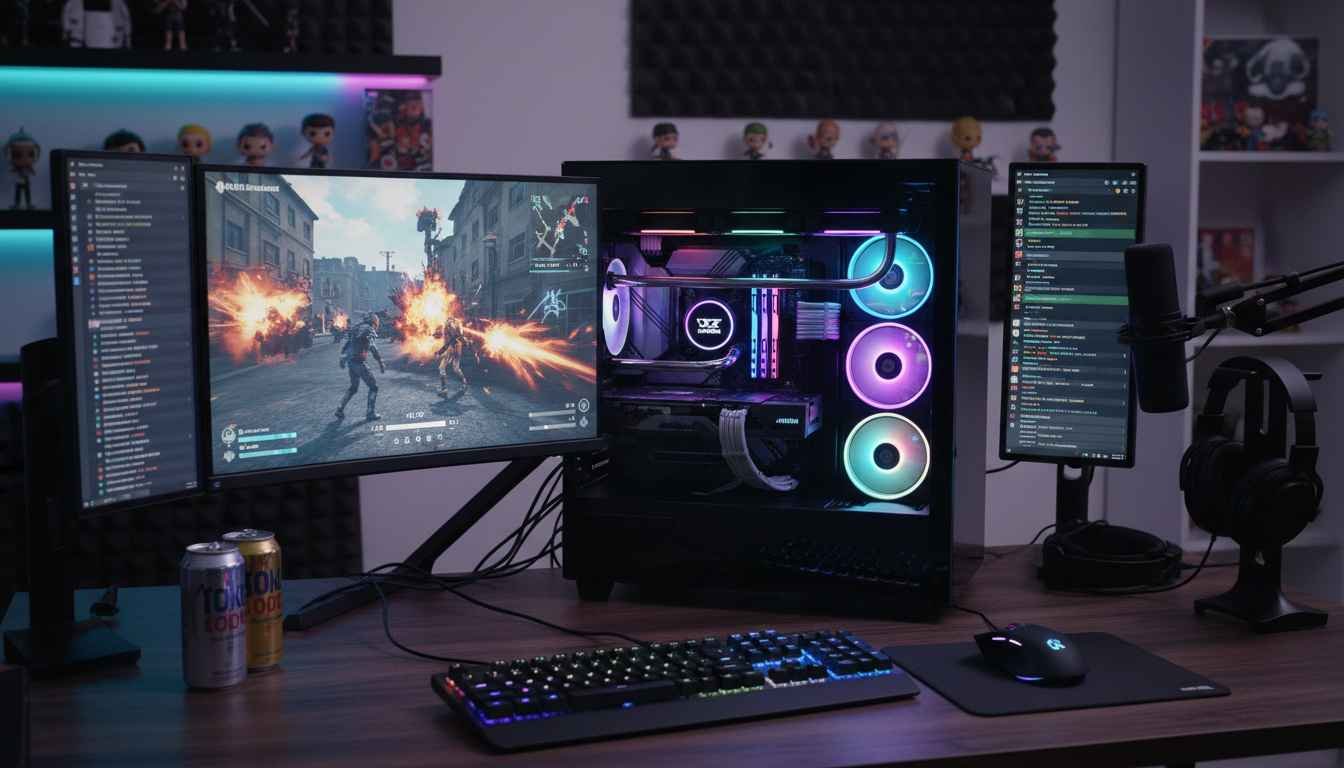
Imagine if you could build a machine that doesn’t just run games, but dominates them while streaming live without hiccups. Most guides sugarcoat it, but the truth? It’s not about flashy RGB lights or trendy cases. It’s about understanding what truly matters: performance, reliability, and future-proofing. If you’re tired of “gaming PCs” that choke on anything beyond a 1080p stream, pay attention.
First off, let’s clear a common myth: more cores automatically mean better streaming. Wrong. Streaming and gaming workloads are very different beasts. Gaming leans heavily on single-core performance, while streaming can benefit from multiple cores – but only up to a point. Overinvesting in core count without balanced specs is like buying a Ferrari engine and putting it in a tricycle chassis.
Before we dive deeper, check out Mob.org for curated lists of games that push your new PC to its limits. Understanding what your PC will handle helps guide every build decision.
CPU: The Heart of Your Setup
Choose a CPU that balances raw gaming power with streaming capacity. Popular myths push you toward extreme core counts or the newest model. Reality check: a mid-to-high-end CPU from the current or last generation often outperforms newer, lower-tier chips in real-world scenarios. Think AMD Ryzen 7 7800X3D or Intel Core i7-13700K. They excel in high-FPS gaming and multi-threaded streaming simultaneously.
GPU: More Than Just Pixels
Your GPU isn’t just for rendering games – it’s also for offloading streaming tasks. Modern GPUs support hardware-accelerated encoding (NVIDIA NVENC, AMD VCE/VCN). This means your CPU isn’t drowning under OBS or Streamlabs, giving smoother streams and higher FPS. Don’t fall for the “bigger number = better performance” trap. A well-balanced mid-to-high-tier GPU paired with a solid CPU beats an unbalanced beast any day.
RAM: Quantity and Speed Matter
16GB is the baseline. 32GB is the sweet spot if you’re streaming, multitasking, and running mods. Faster RAM improves performance in certain games, but the real bottleneck is rarely memory speed – it’s inadequate CPU/GPU pairing. Invest in dual-channel kits for stability and avoid cheap single sticks that cause crashes mid-stream.
Storage: SSDs Are Non-Negotiable
NVMe SSDs aren’t a luxury – they’re essential. Games load faster, streams buffer less, and OS responsiveness skyrockets. Keep a separate SSD for games and another for streaming assets to prevent bandwidth competition. Don’t skimp here; spinning HDDs belong in museums, not modern gaming setups.
Motherboard & Power Supply: Foundations of Reliability
Motherboards are more than slots – they dictate upgrade paths, stability, and connectivity. Look for solid VRM designs if you plan to overclock. Power supply myths abound: “1000W for future-proofing!” – not always. Calculate your build needs, then add ~20% overhead. Quality > wattage. A stable 650–750W 80+ Gold PSU beats a 1000W no-name unit any day.
Cooling: Silence vs Performance
Air cooling myths persist: bigger fans equal better temps. Wrong. Cooling is about airflow balance, thermal paste quality, and chassis ventilation. For streaming and gaming, avoid stock coolers unless the CPU is low-TDP. A decent AIO liquid cooler or high-end air cooler keeps your CPU running peak performance without sounding like a jet engine.
Case & Build Practicalities
Cases are marketing traps. RGB alone won’t improve performance. Prioritize airflow, space for cable management, and dust filters. A cramped case causes heat buildup, throttling your GPU/CPU, and increasing fan noise – your audience hates that background drone.
Potential Drawbacks
Building your own gaming and streaming PC isn’t all sunshine. You face:
- Initial cost shock – quality parts are expensive.
- Time investment – assembling, testing, and troubleshooting takes hours.
- Compatibility headaches – motherboard, RAM, CPU, GPU mismatches are common.
- Learning curve – drivers, BIOS settings, and streaming software setup can be frustrating.
Who Should Avoid This?
If you prefer convenience over control, or hate troubleshooting, a prebuilt PC or console might be better. DIY gaming PCs are for those who enjoy customization, optimization, and long-term upgrades. Skip this path if patience isn’t your virtue.
Glossary
NVMe SSD: Ultra-fast storage using PCIe lanes for quicker game loads.
VRM: Voltage Regulator Module – ensures stable power delivery to CPU/GPU.
TDP: Thermal Design Power – the heat generated by a CPU/GPU under max load.
AIO Cooler: All-in-One liquid cooler for CPUs, combines pump, radiator, and fans.
NVENC/VCN: GPU hardware encoders for efficient video streaming.
Conclusion
Stop believing the hype: more cores, RGB, and massive PSUs don’t automatically make a better gaming and streaming PC. It’s about balance. CPU, GPU, RAM, storage, and cooling must work in harmony. Do your research, understand your needs, and avoid marketing traps. The end result? A PC that crushes games, streams like a pro, and lasts for years without unnecessary upgrades.